Unraid
Two supported install paths on Unraid. Pick one:
- Community Apps template: Install RomM and MariaDB as separate CA templates. Good for users who already manage containers one-at-a-time
- Docker Compose Manager: Drops the standard
docker-compose.ymlin and uses the Compose plugin to manage it, recommended if you're comfortable editing Compose files and want parity with other deployments
Both end up with the same running stack.
Back up appdata before updates
Tearing down the container wipes its resources directory (covers, screenshots, cached metadata). Mount appdata on a safe path or back it up before every upgrade.
Community Apps template
Prerequisites for CA
- Community Apps plugin installed
- A custom Docker bridge network so the app and MariaDB can talk to each other by container name. Skip this and you'll hit DNS issues that look like everything else.
- Install MariaDB
From Apps → search mariadb. Only the official mariadb and linuxserver/docker-mariadb templates are supported. Prefer the official one.
Fill in the env vars. Names and sensible defaults live in the reference docker-compose.yml. Set the network to Custom: romm.
Network type
MariaDB's network type must be set to Custom: romm. Otherwise the app can't resolve its hostname.
- Installation
From Apps, search romm, install the app labelled OFFICIAL (maintained by our team and always current).
Fill in env vars, ports, and paths per the reference compose. Again, network type → Custom: romm.
- Done
Apply, head back to the Docker tab, and you should see both containers running. Access the app at the IP:port highlighted below.
Docker Compose Manager
Prerequisites for DCM
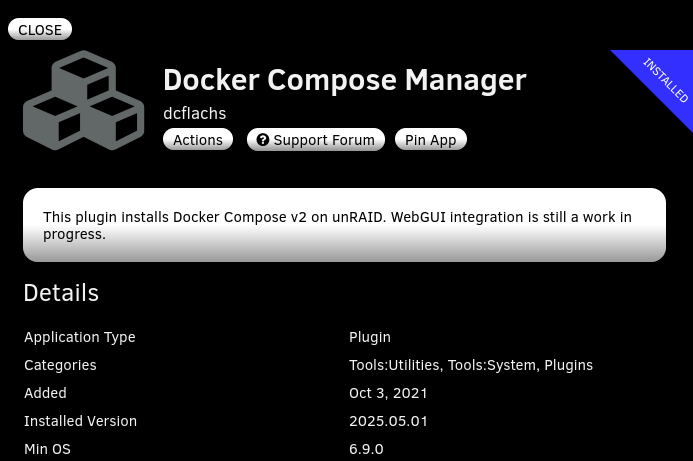
After installing, a Compose section appears under the Docker Containers list on the Docker tab.

- Add the stack
Add New Stack → name it RomM → OK.
Click the gear icon → Edit Stack → Edit Compose.

Paste the reference docker-compose.yml and fill in your env vars (API keys, MariaDB creds, metadata providers). You can keep secrets in a separate .env file: edit the environment file via the gear icon.
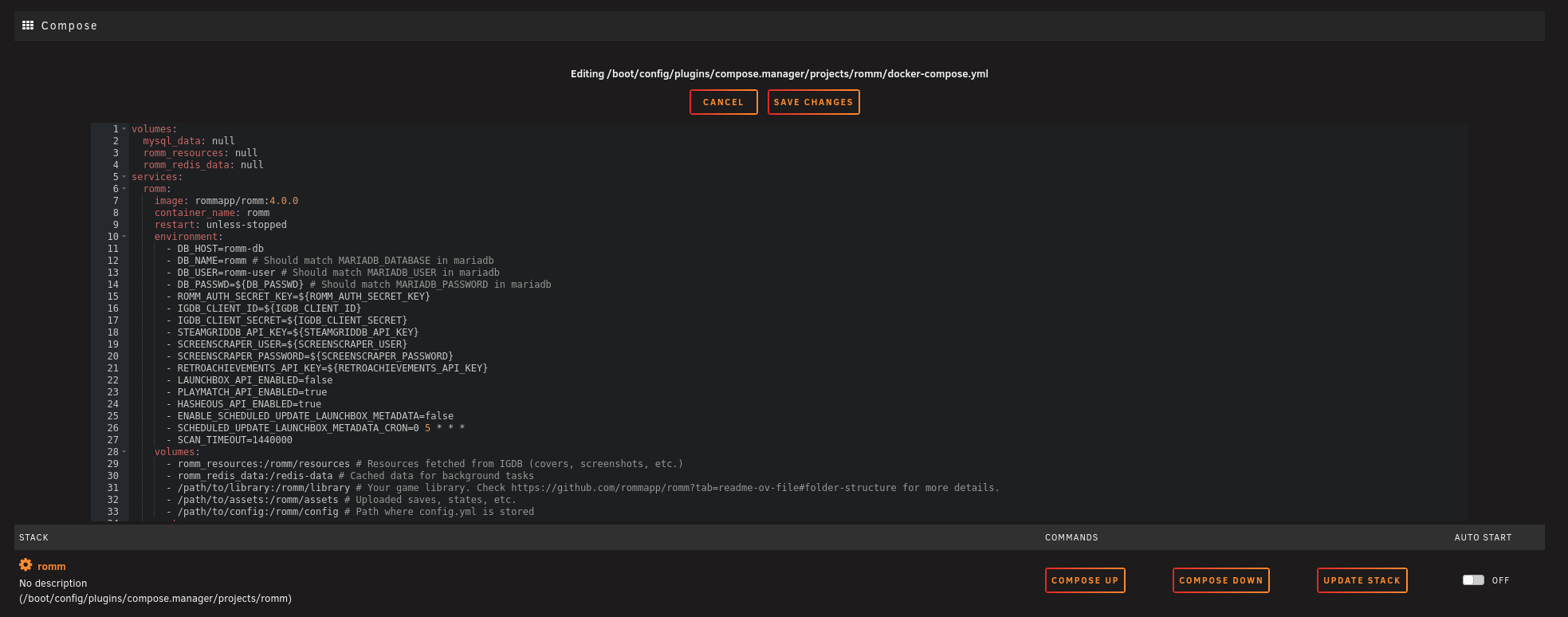
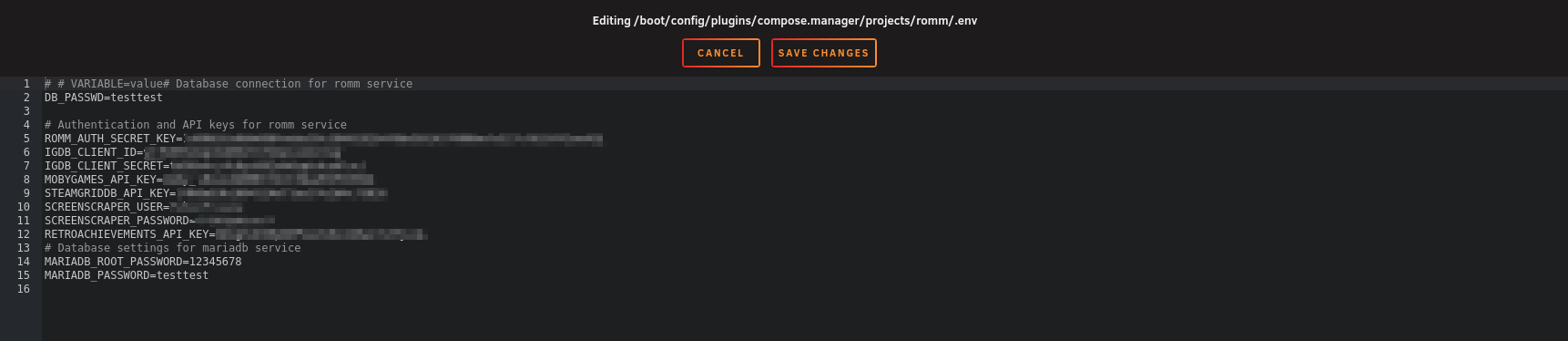
Save after each edit.
Folder structure
Make sure your library matches one of the supported folder layouts before scanning. Unraid users often forget this step.
- Bring it up
Click Compose Up.

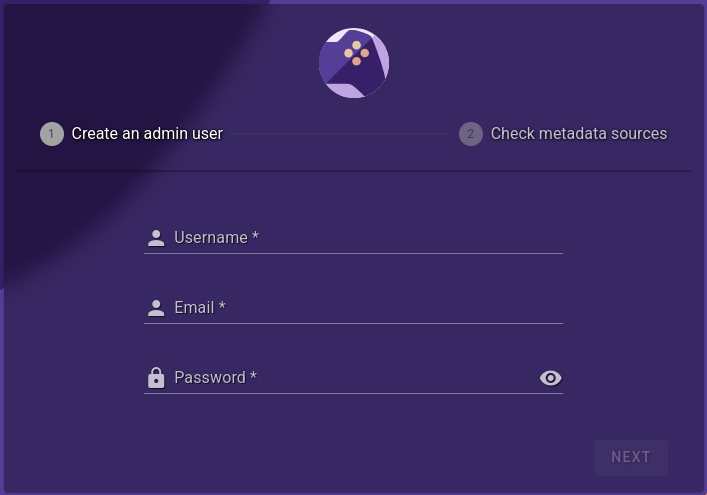
Copy IP:Port from the container and open it in a browser. The first-run Setup Wizard should appear.

Video walkthroughs
Community-made, still relevant for general debugging even if specific UI screens have drifted.
DemonWarriorTech: How to Install RomM on Unraid (Beginner Friendly):

AlienTech42: older install + debugging walkthrough. Install steps are out of date but the general-setup and debugging portions still hold.

Unraid community support
The dedicated Unraid forums support thread is good for Unraid-specific questions that aren't in the Discord or docs.
Shout-outs
Thanks to @Smurre95 and @sfumat0 for documenting this process and getting us listed in Community Apps!